Intro
We live in a fast-paced digital era where AI is booming, and businesses are increasingly driven by data. With each passing minute, data grows more critical, and mission-critical systems continue to expand. Ensuring the health and reliability of these systems requires strong, proactive monitoring.
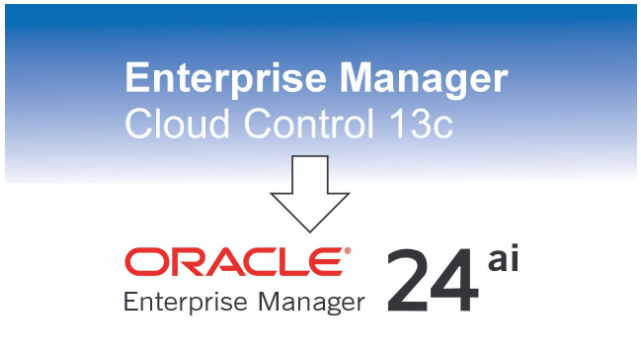
Oracle Enterprise Manager (OEM) 13.5 has long been a stable and trusted product, enabling architects, DBAs, and organizations to get the most out of their monitoring infrastructure. Now, Oracle has released its next major evolution: Oracle Enterprise Manager 24ai.
This new version is positioned to be a true game changer. Several plugins are now natively integrated, bringing enhanced monitoring capabilities powered by AI and automation. These improvements aim to help teams detect issues earlier, reduce noise, and streamline operations in increasingly complex environments.
It’s also important to note that the product lifecycle for OEM 13.5 is approaching its end. Organizations relying on 13.5 should begin evaluating upgrade paths and planning ahead.
For more details, you can review Oracle’s official Lifetime Support documentation:
https://www.oracle.com/us/assets/lifetime-support-technology-069183.pdf
For a deeper look at the new features, refer to the following Oracle blog post:
https://blogs.oracle.com/observability/oracle-enterprise-manager-24


If you’re planning to evaluate Oracle Enterprise Manager 24ai, the OCI Marketplace image is, in my opinion, the best way to get started. OEM 24ai removes the traditional overhead of downloading binaries, staging software, and performing lengthy installations. Everything is preconfigured – bringing the environment up is literally a matter of a few clicks.
What’s even more compelling is that this approach isn’t limited to proofs of concept. The same Marketplace deployment model can be confidently used for production environments as well.
In this blog, I’ll walk you through how to quickly spin up an OEM 24ai using the Marketplace image.
To begin, navigate to the OCI Marketplace and search for “Enterprise Manager.”
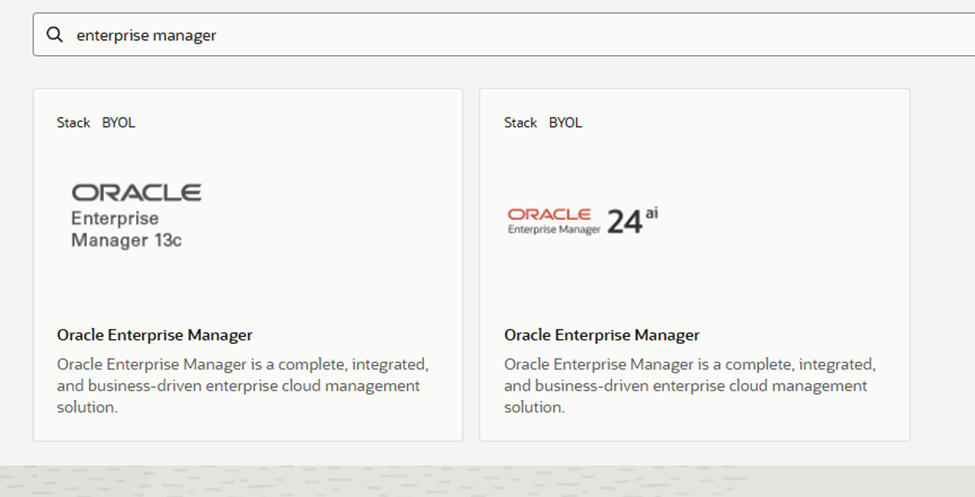
Once you locate the image, review the details and click Launch to begin the deployment.
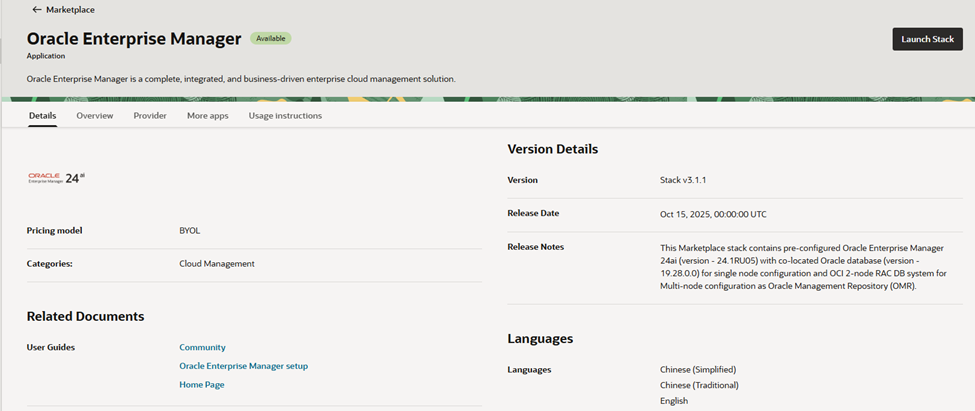
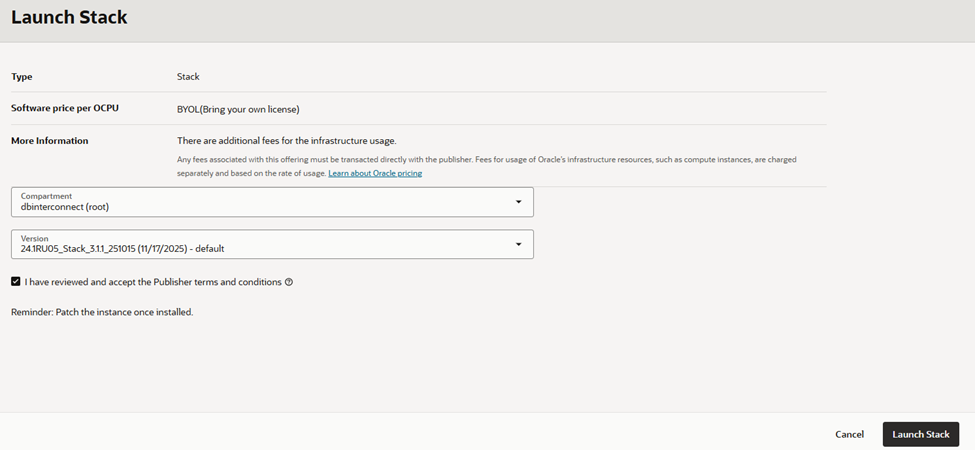
After launching the stack, you’ll be prompted to select the Enterprise Manager version you want to install.
The next step is to choose the compute shape for the instance, based on your workload and sizing requirements.
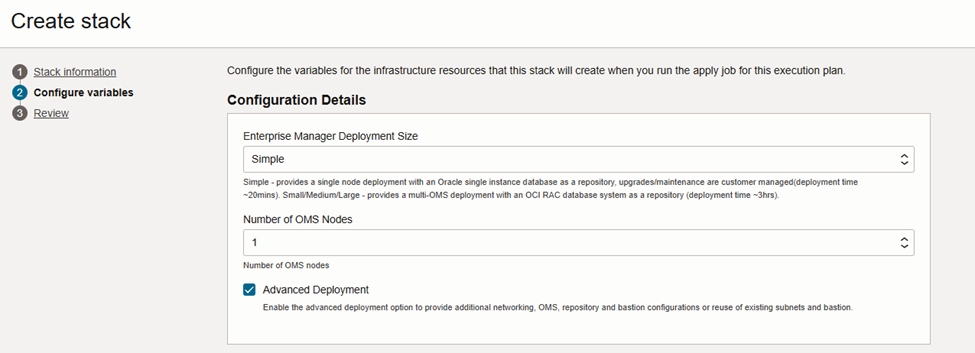
Next, you’ll be prompted to configure passwords for the following users:
- SYSMAN
- Agent Registration Password
- WebLogic Administrator
Make sure to choose strong passwords and store them securely, as they are required for ongoing administration and management of the OEM 24ai environment.
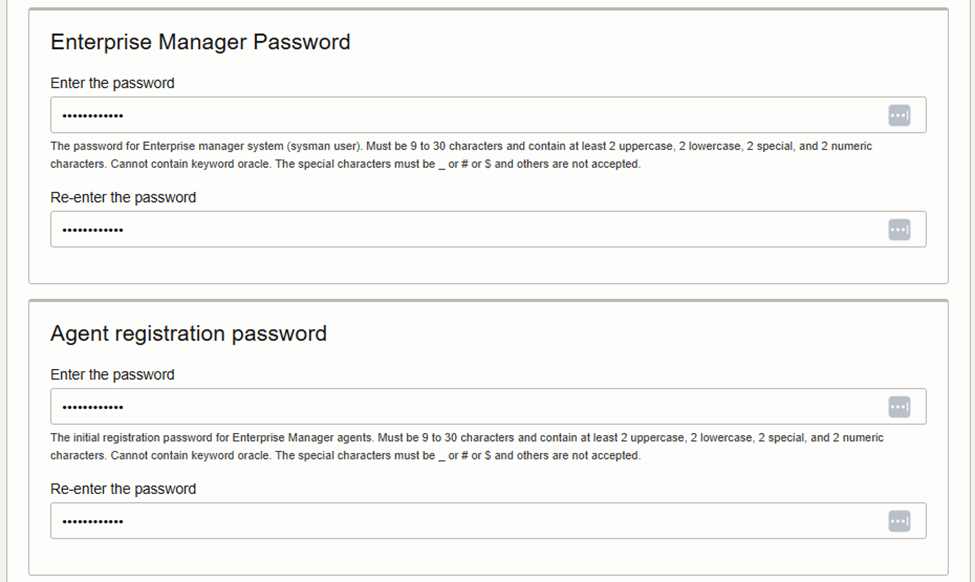
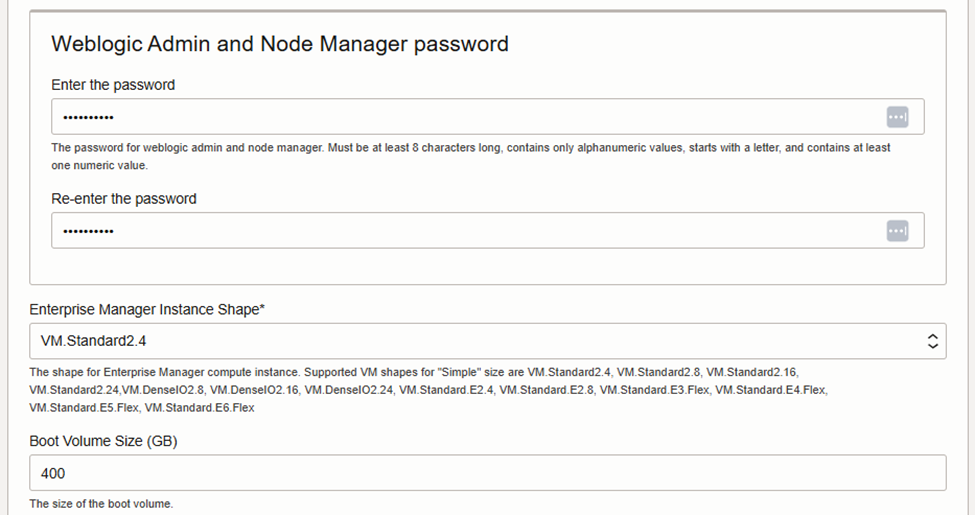
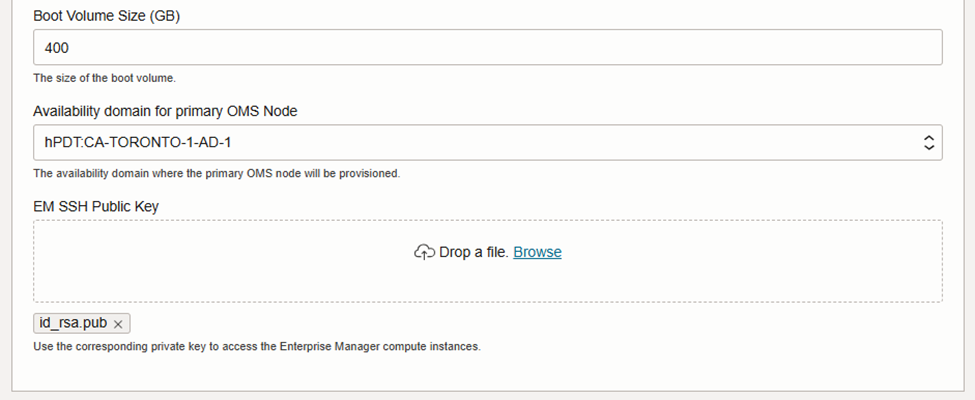
Add your public key to the instance configuration to enable access. Ensure you have the corresponding private key available, as it will be required to connect to the environment.
In the next two sections, we will configure the passwords for the SYS and DBSNMP users.
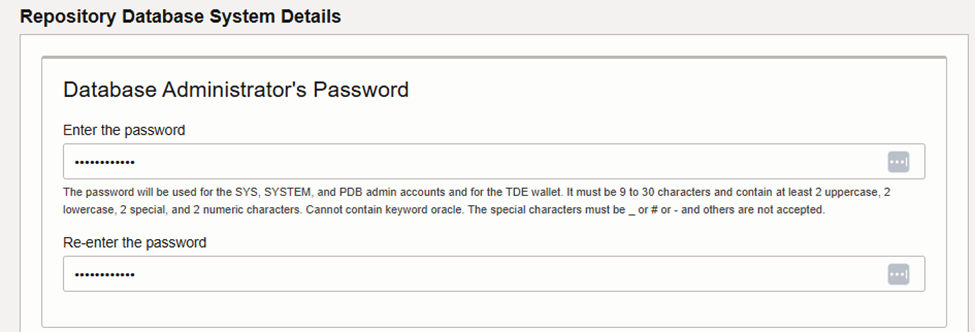
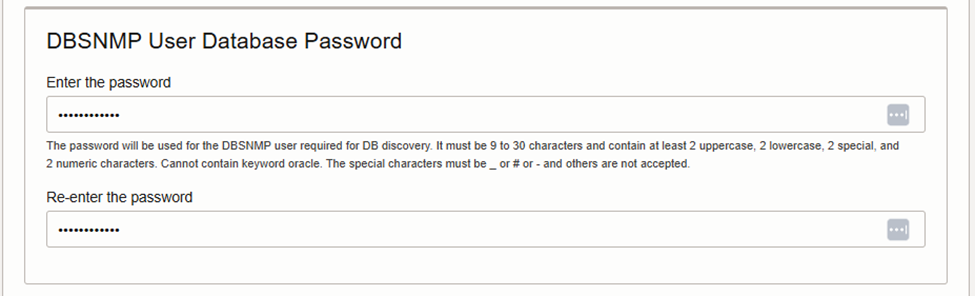
After setting up the passwords, you can decide whether to enable ARCHIVELOG mode for the database. As this environment is intended for testing purposes, I will leave ARCHIVELOG mode disabled.

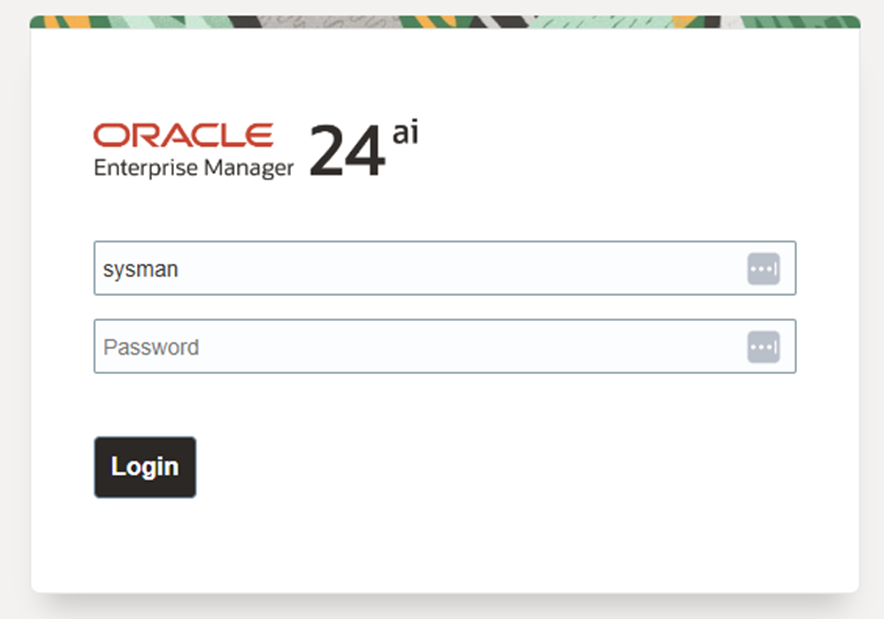
Here’s what the new Oracle Enterprise Manager 24ai interface looks like.
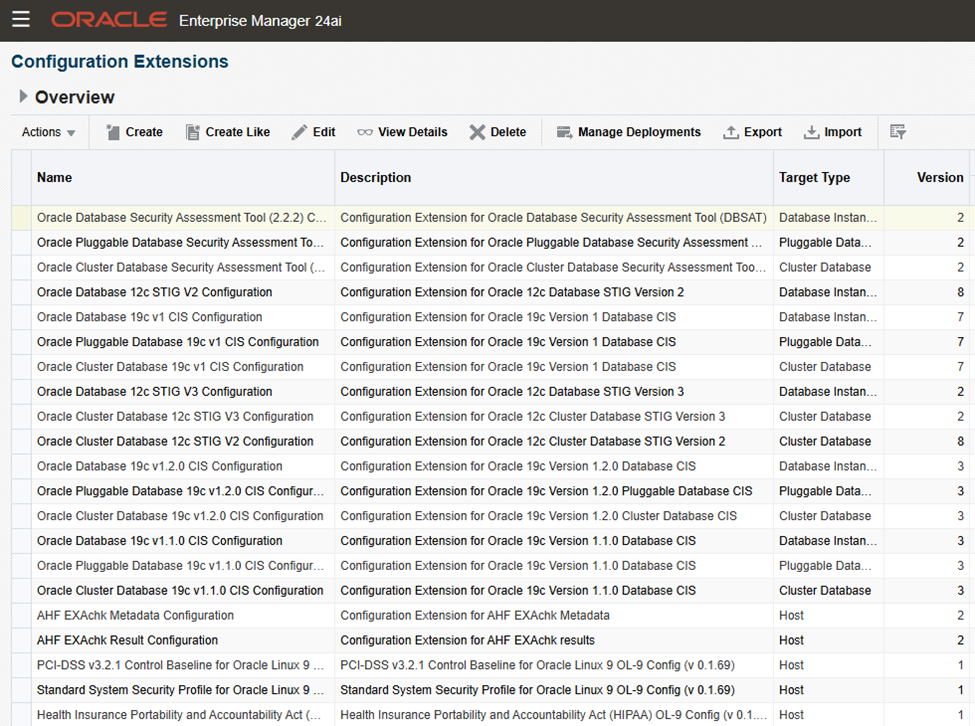
Just take a look at how many extensions are available – this is truly a game changer, especially now that OEM 24ai includes an AI-powered chatbot.
Conclusion
In conclusion, Oracle Enterprise Manager 24ai is more than just a technical upgrade – it is a strategic platform for business enablement. By embedding AI-driven intelligence, automation, and native integrations into the core of the product, OEM 24ai empowers organizations to move from reactive operations to proactive, insight-driven decision making.
This shift reduces operational risk, minimizes downtime, and allows IT teams to spend less time fighting fires and more time supporting innovation and business growth. As data volumes and system complexity continue to rise, OEM 24ai provides the visibility, reliability, and efficiency required to scale with confidence.
For organizations still running OEM 13.5, now is the ideal time to evaluate the transition – not only to stay within support, but to unlock new operational capabilities that directly support business agility, resilience, and competitiveness in a data-driven world.